Zero Downtime Database Migration: A Complete Practical Guide
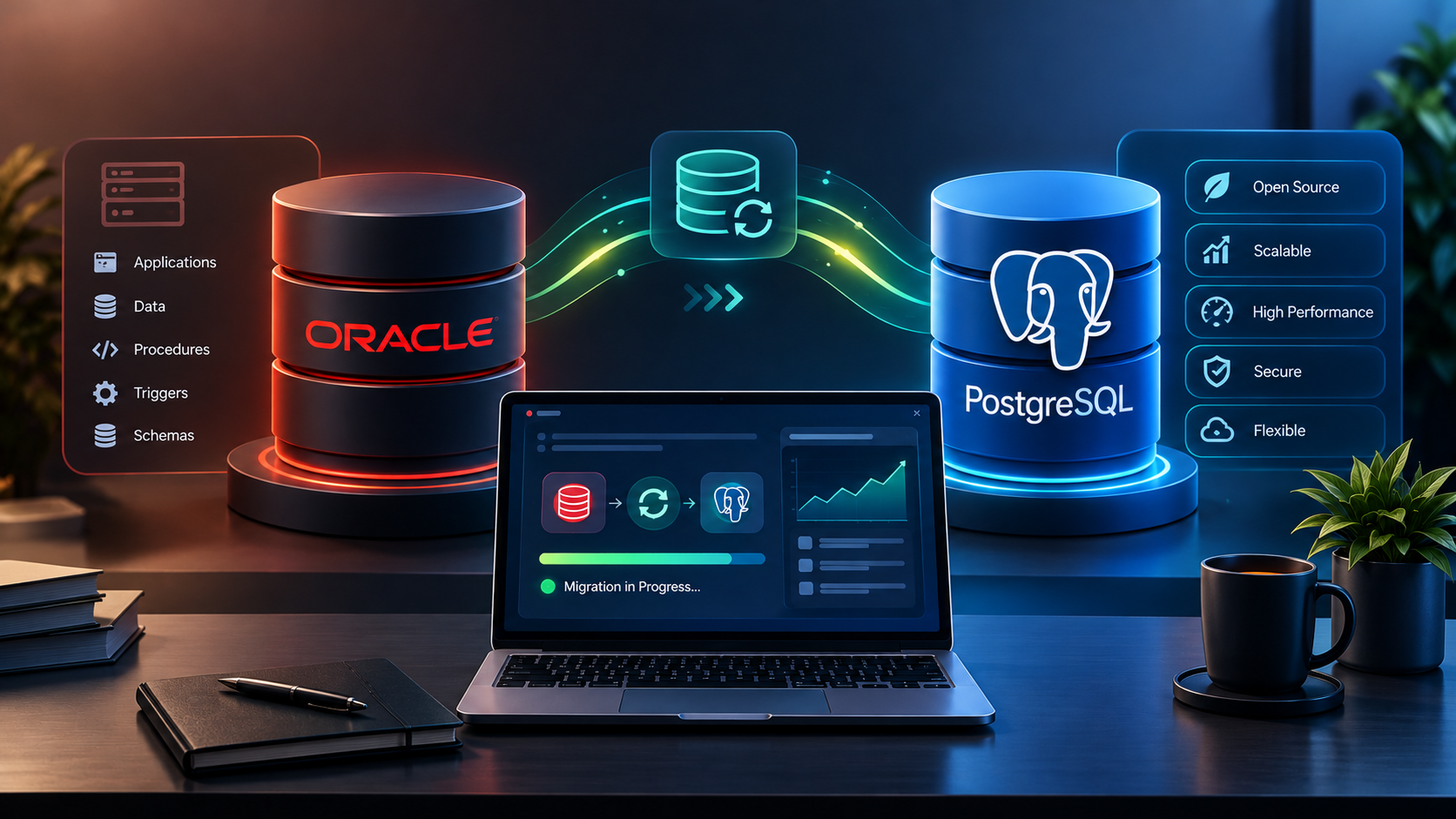
For businesses that depend on databases throughout the day, migration can be a major operational challenge. Even a short interruption may affect customer transactions, internal applications, reporting, and other critical workflows.
Zero downtime database migration aims to move data and application workloads to a new database environment while keeping services available throughout the process. It is especially important for e-commerce platforms, financial systems, SaaS applications, and enterprise software.
However, achieving literally zero interruption is difficult. Most migration strategies aim for near-zero downtime, with a carefully controlled cutover and minimal disruption to users.
This guide explains how zero downtime database migration works, which strategies businesses can use, and how to plan a safe transition.
What Is Zero Downtime Database Migration?
Zero downtime database migration is an approach to moving a database from one environment to another while minimizing or avoiding visible service interruption.
The migration might involve:
- Moving a database to a new server or cloud platform
- Upgrading the database engine
- Switching from one database technology to another
- Replacing legacy infrastructure
- Moving to a managed database service
- Modernizing database architecture
Instead of shutting down the application and transferring everything in one operation, teams move the existing data while the source database continues serving requests.
Changes made during the migration are captured and applied to the target database. Once the target is synchronized and verified, the application is switched to the new environment.
The exact method depends on the database engines, replication capabilities, application architecture, and acceptable downtime.
Why Businesses Need Low-Downtime Migration
Database migration affects more than the database itself. Applications, integrations, background jobs, and users may all depend on its availability.
Maintain business operations
An online store may need to process orders while its database is being migrated. A booking platform may need to continue accepting reservations. A business management application may need uninterrupted access to operational records.
A low-downtime strategy helps minimize disruption to these activities.
Reduce the risk of lost transactions
When the source database continues receiving writes during migration, those changes must also reach the target. Replication and careful synchronization help prevent transactions from being missed during the transition.
Improve infrastructure flexibility
Businesses may migrate to a newer database version, a different hosting provider, or a managed cloud service without scheduling an extended outage.
Protect customer experience
Reducing interruptions helps maintain access to important application features. The migration still requires testing because users may experience errors if the target environment is not fully prepared.
How Zero Downtime Database Migration Works
A common approach combines an initial data load, ongoing change replication, validation, and a controlled cutover.
**1. Assess the source database**
  Identify database objects, dependencies, data volume, transaction rates, application connections, and compatibility issues.
</box>
**2. Prepare the target database**
  Configure the destination schema, access controls, infrastructure, indexes, monitoring, and backup procedures.
</box>
**3. Load the existing data**
  Copy the source database's existing records to the destination while the original application continues operating, where the selected method permits it.
</box>
**4. Replicate ongoing changes**
  Capture inserts, updates, and deletes from the source and apply them to the target using a supported replication mechanism, such as change data capture (CDC).
</box>
**5. Validate and cut over**
  Verify data consistency, confirm replication has caught up, switch application connections, and monitor the new environment.
</box>
Continuous replication reduces the amount of work remaining at cutover, but it does not guarantee zero latency or eliminate every possible interruption. <Cite refs={["turn387385search0","turn387385search1"]} />
Common Zero Downtime Migration Strategies
The right strategy depends on whether the source and target use the same database engine, how much data is involved, and how much application change is acceptable.
1. Replication-Based Migration
Replication-based migration keeps the source database active while data is copied and changes are propagated to the target.
A typical process includes a full data load followed by ongoing replication.
Advantages
- Allows source operations to continue during much of the migration
- Reduces the amount of data that must be transferred during cutover
- Provides time to test and prepare the target environment
Challenges
- Replication lag can increase under heavy workloads
- Database logs and replication configuration must be managed
- Source and target data must be validated before switching
This approach is often suitable for large databases and business-critical applications when the selected engines and tools support the required replication method.
2. Change Data Capture (CDC)
CDC identifies changes made to the source database and transfers them to the destination.
Depending on the database engine and tool, CDC may read transaction logs or use another supported change-capture mechanism.
It is useful when the initial data copy takes considerable time but the business needs to keep the source operational during the transfer.
However, CDC is not automatically real-time. Replication delay depends on source workload, network conditions, processing capacity, and target performance. Monitor the replication lag and define an acceptable threshold before cutover. <Cite refs={["turn387385search0","turn387385search3"]} />
3. Blue-Green Database Migration
A blue-green approach prepares a new environment alongside the existing production environment.
- Blue: The current production system
- Green: The new target environment
The target is populated and tested before traffic is switched. For a database, this requires a reliable way to keep data synchronized and a clear rule for which environment accepts writes.
The main advantage is that the target can be tested before the production switch. The challenge is preventing conflicting writes and deciding how to recover if the migration needs to be reversed.
Blue-green deployment is an architectural strategy rather than a universal database replication feature.
4. Application-Level Dual Writes
In some systems, application code writes to both the old and new databases during a transition.
This may support specialized migrations, but it introduces significant consistency risks. One write may succeed while the other fails, and retries can create duplicate or inconsistent records.
Dual writes should not be implemented casually. A design needs reliable failure handling, idempotency, reconciliation, observability, and a clear source of truth. In many cases, log-based replication or a controlled migration process is easier to manage.
Tools Used for Low-Downtime Database Migration
The appropriate tool depends on the database engines and destination platform.
| Tool or service | Typical use |
|---|---|
| AWS Database Migration Service | Full-load and supported ongoing replication workflows for compatible source and target combinations |
| Google Cloud Database Migration Service | Managed migration and continuous replication for supported Google Cloud destinations |
| Native database replication | Engine-specific migration or replication between compatible environments |
| Debezium | Change data capture from supported database sources, often integrated with event-streaming platforms |
| Custom migration scripts | Specialized transformations, validation, or migration workflows |
Official documentation:
These tools do not all perform the same job. Check support for your exact database versions, replication requirements, schema changes, and destination before choosing a solution.
Major Challenges to Plan For
Data consistency
The target must contain all required source changes before it becomes the production database. Compare record counts and critical values, and use checksums or reconciliation queries where appropriate.
Replication lag
If changes arrive faster than the target can apply them, the replication backlog can grow. Monitor lag, transaction throughput, errors, and resource usage throughout the migration.
Schema and database compatibility
Moving between database engines may require changes to data types, SQL syntax, stored procedures, functions, indexes, and application queries.
A successful data transfer does not prove that the application will behave correctly.
Application connection switching
Applications may maintain connection pools or long-running transactions. A cutover plan should explain how connections are drained, recreated, and redirected to the new database.
Rollback complexity
After the target accepts production writes, the old database may become stale. Reverting requires a defined strategy for preserving new transactions and reconciling data. Simply pointing the application back to the source can cause data loss.
A Practical Pre-Migration Checklist
Before starting a production migration, confirm that:
- Source and target versions are compatible with the chosen migration method.
- Database objects and application dependencies have been assessed.
- The initial data load has been tested.
- Replication is working and lag is monitored.
- Data validation and reconciliation procedures are documented.
- Application connection switching has been rehearsed.
- Backup and recovery procedures have been tested.
- Cutover responsibilities and acceptance criteria are agreed.
- Rollback limitations are understood and documented.
- Business stakeholders know the planned migration window and communication process.
Step-by-Step Production Cutover Plan
A controlled cutover helps teams reduce uncertainty when switching to the new database.
Before cutover: Complete testing, confirm backups, verify replication health, and agree on the conditions required to proceed.
At cutover: Briefly stop or restrict writes if required by the migration method, allow outstanding transactions to complete, and wait for the target to catch up.
Validate the target: Check critical tables, business records, application connections, and essential workflows.
Switch application traffic: Redirect the application to the target using the planned configuration or routing change.
Monitor production: Track error rates, database performance, replication status where applicable, and key business transactions.
Keep recovery options available: Do not decommission the source immediately. Follow the agreed rollback or recovery plan and retire the old environment only after the new system meets the acceptance criteria.
The actual steps vary by database platform. A rehearsal in a representative environment is essential before a business-critical cutover.
How to Measure Migration Success
Do not measure success only by whether the new database is running.
Evaluate the migration against measurable criteria, including:
- Application interruption during cutover
- Data consistency and transaction completeness
- Replication lag before switching
- Application error rates after cutover
- Query response times and throughput
- Recovery time and rollback readiness
- Successful execution of critical business workflows
Agree on acceptable thresholds in advance. This gives the team an objective basis for deciding whether to proceed, pause, or recover.
Frequently Asked Questions
1. Is zero downtime database migration really possible?
A migration can be designed to minimize or avoid noticeable downtime, but literal zero interruption cannot be guaranteed in every architecture. Replication, application design, and the final cutover process determine the practical result.
2. What is the difference between CDC and database replication?
Replication is the broader process of copying and maintaining data between systems. Change data capture is a method for identifying changes in a source database so they can be applied elsewhere. CDC is often used as part of a migration replication workflow.
3. How long does a low-downtime database migration take?
The duration depends on database size, change volume, network throughput, schema complexity, and testing requirements. The initial data load may take hours or days, while the final cutover can be much shorter if replication is synchronized and the process has been rehearsed.
4. Can we roll back after switching to the new database?
Rollback may be possible, but it becomes more complex once the new database accepts writes. A recovery plan must account for transactions created after cutover and define how they will be preserved or reconciled.
5. Which tool is best for zero downtime database migration?
There is no universal best tool. Choose based on the source and target engines, supported replication capabilities, hosting platform, monitoring needs, and required downtime. Test the selected approach before migrating production data.
Work with eSparks IT Solution
A low-downtime database migration requires more than moving records. It involves application dependencies, replication, compatibility, data validation, performance testing, and a carefully controlled cutover.
eSparks IT Solution can help businesses assess software requirements, plan database-related development work, and evaluate the application changes needed during modernization projects.
Explore our programming services and portfolio, estimate your project cost, or book a free call.
A well-defined migration plan helps teams reduce avoidable risks and prepare for a more predictable transition.
Conclusion
Zero downtime database migration aims to keep business applications available during a database transition.
Replication and CDC can reduce the amount of work required during cutover.
Data consistency, compatibility, and application behavior must be validated before switching production traffic.
A tested recovery plan is essential, especially after the target begins accepting writes.
Careful planning and monitoring help make database migration safer and more predictable.
Comments
Join the discussionNo comments yet. Be the first to comment.