Software Development Cost Calculator: A Complete Practical Guide
Planning a software project often begins with one important question: how much will it cost to build?
The answer depends on more than the number of screens or features. Project complexity, design requirements, technology choices, integrations, security, testing, and ongoing maintenance can all affect the final budget.
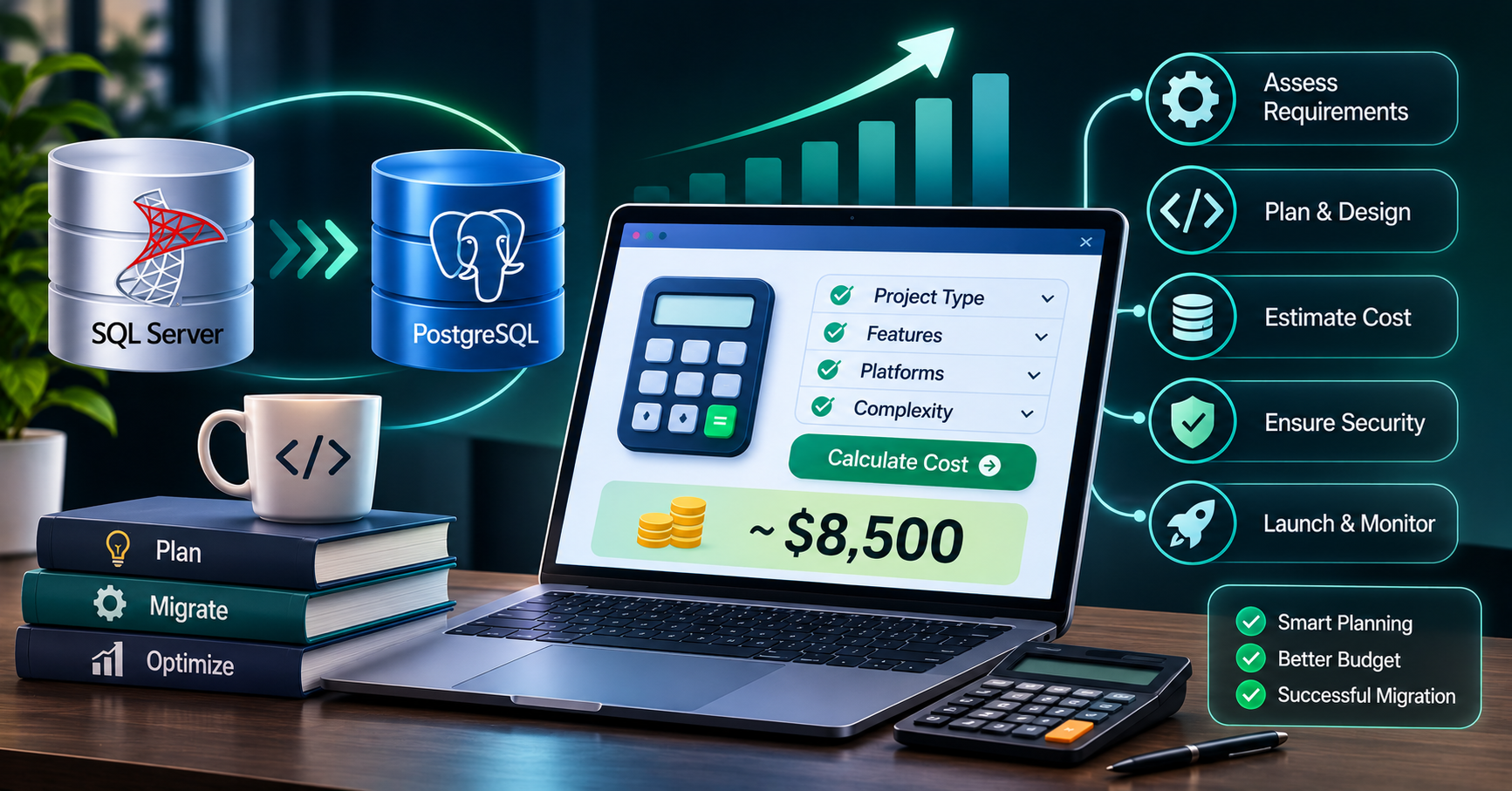
A software development cost calculator helps businesses estimate the potential investment before committing to a project. It provides a structured starting point for budgeting, comparing options, and discussing requirements with a development team.
In this guide, we explain how software cost calculators work, which factors influence estimates, how to calculate a sample budget, and what to consider before starting development.
What Is a Software Development Cost Calculator?
A software development cost calculator is a tool that estimates the potential cost of building a digital product based on selected project requirements.
Depending on the calculator, users may enter details such as:
- Type of software or application
- Number and complexity of features
- Web, mobile, or multi-platform requirements
- UI/UX design expectations
- Third-party integrations
- Backend and database requirements
- Security and compliance needs
- Expected development timeline
The calculator processes these inputs to produce an estimated cost or price range.
It is important to understand that this figure is a planning estimate, not necessarily a final quotation. A reliable estimate becomes more accurate as the project scope, technical requirements, and acceptance criteria become clearer.
Why Use a Software Development Cost Calculator?
Estimating costs early helps businesses make informed decisions before investing significant time and money.
1. Plan your budget
An initial estimate helps you understand whether your project fits your available budget. It also makes it easier to decide which features belong in the first release and which can wait.
2. Compare development approaches
You can evaluate different approaches, such as building a custom application, starting with a minimum viable product (MVP), or extending an existing system.
Each approach can have different development and long-term maintenance costs.
3. Understand feature costs
A calculator encourages you to consider how functionality affects the overall budget. A basic contact form is very different from a payment workflow with refunds, notifications, reporting, and administrative controls.
4. Prepare for discussions with developers
A preliminary estimate gives you a starting point for discussing scope, priorities, timelines, and technical requirements with a development company.
5. Reduce budget surprises
Early planning can reveal requirements that are easy to overlook, including data migration, security testing, deployment, documentation, and post-launch support.
What Factors Affect Software Development Costs?
No single factor determines the total price. Most projects involve a combination of the following.
Project type and complexity
A basic business website generally requires less development effort than a multi-role marketplace or enterprise management platform.
For example:
- Business website: Pages, forms, content management, and contact functionality
- Web application: User accounts, dashboards, database operations, and business workflows
- Mobile application: Platform-specific requirements, device features, and app distribution
- Enterprise software: Complex permissions, integrations, reporting, security, and operational requirements
The project category provides a starting point, but the actual functionality matters more than the label.
Features and functionality
Every feature requires some combination of planning, design, development, and testing.
Features that can increase effort include:
- User registration and authentication
- Role-based access control
- Payment processing
- Real-time messaging and notifications
- Location-based services
- Advanced search and filtering
- Analytics and reporting dashboards
- Third-party API integrations
- AI-powered functionality
Prioritize features according to business value instead of including every possible feature in the initial release.
UI/UX design
Design requirements influence both development time and the user experience.
A standard interface with familiar components may require less effort than a highly customized design system with interactive dashboards, complex workflows, animations, and accessibility requirements.
Design should also account for different screen sizes, usability testing, and consistent behavior across the application.
Technology stack
The chosen technologies affect implementation, deployment, performance, and maintenance.
A project might use React for its frontend, Node.js for backend services, and PostgreSQL or MySQL for data storage. Another project may require a different architecture based on its existing infrastructure or technical constraints.
Technology selection should be driven by project requirements, team expertise, integration needs, and long-term support—not simply by which framework is currently popular.
Integrations and data migration
Connecting software to payment gateways, CRM systems, ERP platforms, external APIs, or legacy databases introduces additional work.
Data migration can be particularly complex when existing information needs to be cleaned, transformed, reconciled, or validated before it can be used in a new system.
Security and compliance
Applications handling sensitive information may require additional security controls, audit logging, encryption, access management, and compliance-related work.
These requirements should be included during planning rather than treated as optional tasks after development.
Testing and deployment
Quality assurance helps identify defects before users encounter them.
Depending on the project, testing may include functional testing, integration testing, performance testing, security checks, accessibility testing, and user acceptance testing.
Deployment also involves infrastructure configuration, environment management, backups, monitoring, and release planning.
How to Calculate Software Development Costs
A practical way to estimate development cost is to calculate the effort required for each major activity and multiply it by the relevant hourly or daily rate.
A simplified formula is:
Estimated development cost = Total estimated hours × Hourly rate
For a more complete budget, include design, testing, project management, infrastructure setup, and other project-specific expenses.
A more detailed model is:
Total estimated cost = Development + Design + Testing + Project management + Deployment + Other project expenses
If you are estimating a team-based project, calculate the cost of each role separately where possible.
For example:
| Activity | Estimated hours | Illustrative rate | Estimated cost |
|---|---|---|---|
| Requirements and planning | 20 | $40/hour | $800 |
| UI/UX design | 30 | $40/hour | $1,200 |
| Development | 100 | $40/hour | $4,000 |
| Testing and QA | 25 | $35/hour | $875 |
| Deployment and handover | 10 | $40/hour | $400 |
| Total | 185 | — | $7,275 |
These figures are hypothetical and are included only to demonstrate the calculation method. Actual rates and effort can vary considerably by region, team, project scope, and technical complexity.
The estimate also assumes the activities do not contain unlisted expenses. Hosting, paid services, taxes, and ongoing support may need to be budgeted separately.
Example: Estimating a Small Business Web Application
Suppose a business wants a web application with user registration, a dashboard, service listings, booking functionality, and an administrative panel.
Instead of asking for a price based only on the number of screens, divide the project into work packages.
| Work package | Estimated hours |
|---|---|
| Requirements and planning | 20 |
| UI/UX design | 35 |
| Frontend development | 70 |
| Backend and database development | 90 |
| Integration and notifications | 25 |
| Testing and bug fixes | 35 |
| Deployment and documentation | 15 |
| Total estimated effort | 290 hours |
At an illustrative blended rate of $40 per hour, the estimated labor cost would be:
290 × $40 = $11,600
This is a preliminary estimate, not a market-price benchmark or fixed quotation. A real project could cost less or more depending on the detailed requirements, design revisions, integration complexity, and team composition.
Before approving a budget, the business should confirm the scope, identify exclusions, and decide how changes to requirements will be handled.
MVP vs. Full Product: Which Should You Estimate?
A minimum viable product (MVP) includes the essential functionality needed to test a product idea or serve its initial users.
A full product may include additional workflows, advanced reporting, automation, integrations, and more sophisticated administrative controls.
An MVP can help businesses manage their initial investment, but it should still be secure, usable, and reliable enough for its intended purpose.
Consider the following approach:
- Identify the main business problem.
- List the features required to solve it.
- Separate essential features from optional improvements.
- Estimate the initial release independently.
- Create a roadmap for later releases.
This approach provides a clearer understanding of the initial budget while keeping future development in view.
How to Use an Online Software Development Cost Calculator
The exact process depends on the calculator, but most tools follow a similar sequence.
Step 1: Select your project type. Choose the closest category, such as a website, web application, mobile application, or enterprise system.
Step 2: Define the required features. Include the functions users and administrators actually need.
Step 3: Specify complexity. Explain whether the functionality is basic, moderately complex, or advanced. If the calculator supports custom requirements, provide additional details.
Step 4: Select platforms and integrations. Indicate whether you need web, Android, iOS, external APIs, payment systems, or legacy integrations.
Step 5: Review the estimate. Check which activities and expenses the estimate includes. Some calculators estimate development effort only, while others account for a broader set of project costs.
Step 6: Refine the requirements. Use the result to identify missing details and discuss a more precise estimate with your development team.
The most useful calculator is not necessarily the one that produces a number fastest. It is the one that makes its assumptions clear and helps you understand why the estimated cost changes when requirements change.
Common Budgeting Mistakes to Avoid
Estimating only the coding effort
Software projects require planning, design, testing, deployment, and documentation. Excluding these activities can make an initial estimate unrealistic.
Ignoring ongoing expenses
Hosting, monitoring, third-party subscriptions, maintenance, security updates, and technical support may continue after launch.
Adding features without revising the budget
New requirements can affect architecture, interfaces, testing, and delivery timelines. Significant scope changes should trigger a review of the estimate.
Choosing a developer based only on the lowest price
A low initial quotation may exclude important deliverables or ongoing responsibilities. Compare scope, experience, communication, quality assurance, and ownership terms alongside price.
Treating an estimate as a guarantee
An estimate is based on assumptions. A reliable development process documents those assumptions and explains how uncertainty and scope changes will be managed.
How to Make Your Software Cost Estimate More Accurate
Before requesting a detailed quotation, prepare a short project brief containing:
- The business problem and intended users
- The main features and workflows
- Required platforms and integrations
- Existing systems or data that must be connected
- Security, performance, and compliance requirements
- Your preferred launch timeframe
- Your initial budget and future plans
Ask the development team to explain the estimated effort, deliverables, exclusions, payment milestones, and maintenance arrangements.
For complex projects, request a discovery phase or proof of concept. This can help clarify technical risks before the full development budget is committed.
Frequently Asked Questions
1. How accurate is a software development cost calculator?
It depends on the quality of the inputs and the assumptions behind the calculator. Early estimates are useful for budgeting, but a detailed scope and technical assessment are generally needed for a more reliable quotation.
2. What information do I need to estimate software development costs?
Start with the project type, main features, user roles, platforms, integrations, design requirements, security needs, and expected delivery timeframe. More detailed requirements usually lead to a more meaningful estimate.
3. Does a software cost estimate include maintenance?
Not always. Some estimates cover initial development and deployment only. Confirm whether hosting, monitoring, bug fixes, updates, technical support, and third-party service charges are included.
4. Is an MVP cheaper than building a complete application?
An MVP often requires less initial effort because it focuses on essential features. However, its cost depends on the required functionality, quality standards, security needs, and technical foundation. Future enhancements should also be considered during planning.
5. Can I get an exact price from an online calculator?
A calculator can provide a useful preliminary estimate, but an exact price usually requires a defined scope, technical assessment, and agreement on deliverables. A fixed-price proposal should clearly state its assumptions and how changes will be handled.
Work with eSparks IT Solution
A useful software cost estimate starts with a clear understanding of your business requirements. The goal is not simply to find the lowest number, but to determine what it will take to build software that meets your needs and can be maintained over time.
eSparks IT Solution can help businesses assess project requirements, plan application features, explore technical approaches, and define a development scope for custom software projects.
Explore our programming services and portfolio, estimate your project cost, or book a free call.
A structured discussion about your requirements can help turn an early idea into a more realistic development plan.
Conclusion
A software development cost calculator helps turn an early idea into a preliminary budget.
Your estimate should account for features, design, development, testing, deployment, and ongoing expenses.
Clear requirements make cost estimates more useful and easier to compare.
Prioritize essential functionality and plan future improvements in stages.
A realistic budget starts with understanding the project, not just calculating a price.
Comments
Join the discussionNo comments yet. Be the first to comment.