SQL Server to PostgreSQL Migration: A Complete Business Guide
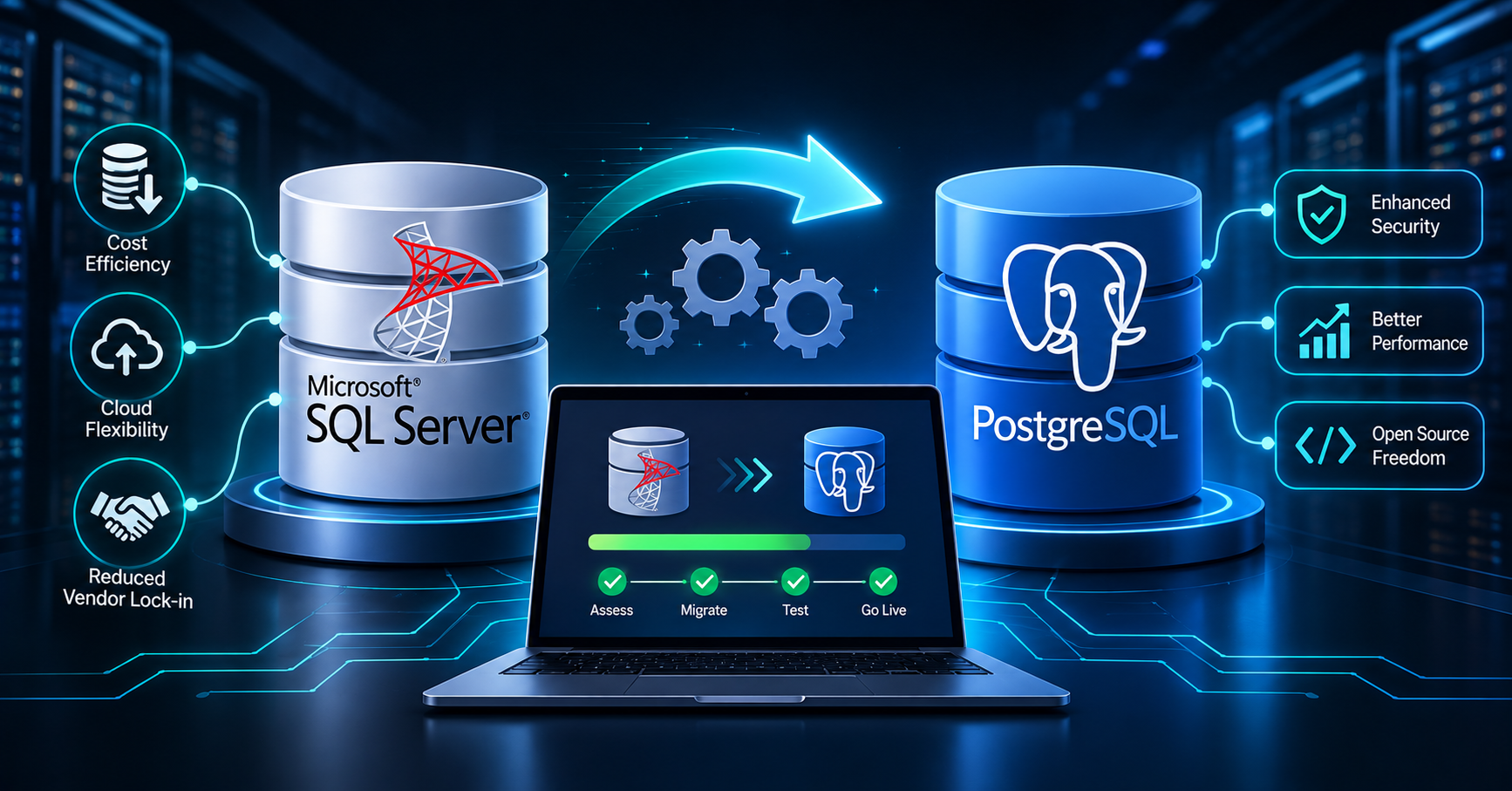
Moving from Microsoft SQL Server to PostgreSQL is more than a database replacement. It involves transferring business data, converting database logic, updating application code, and making sure the new system performs reliably under real workloads.
Businesses consider this migration for several reasons, including database licensing costs, cloud flexibility, open-source technology, and long-term infrastructure planning. PostgreSQL offers a capable relational database platform, but a successful migration requires careful preparation.
This guide explains how to plan, execute, and validate a SQL Server to PostgreSQL migration while minimizing business disruption.
Why Businesses Migrate from SQL Server to PostgreSQL
SQL Server is widely used in enterprise applications, reporting systems, and Microsoft-based technology environments. PostgreSQL is an open-source relational database known for its extensibility, advanced SQL capabilities, and support for different deployment models.
Common reasons for migrating include:
- Managing database costs: PostgreSQL can reduce commercial database licensing expenses, although infrastructure, migration, support, and administration still have costs.
- Increasing deployment flexibility: PostgreSQL can run on local infrastructure, virtual machines, containers, and supported managed cloud platforms.
- Supporting application modernization: Teams can adopt new architectures and technologies without depending entirely on a proprietary database engine.
- Reducing vendor dependency: An open-source database may provide greater flexibility in choosing hosting and support providers.
- Preparing for future growth: PostgreSQL supports a wide range of transactional applications, reporting workloads, and data-intensive services.
The right decision depends on your existing application, database features, workload, and operational requirements. PostgreSQL is not automatically the better choice for every business.
1. Assess Your Existing SQL Server Environment
Start with a detailed inventory before converting any database objects.
Identify the databases, tables, views, indexes, stored procedures, triggers, functions, scheduled jobs, and external integrations used by your applications.
Also examine how applications connect to SQL Server and which components depend on Microsoft-specific features.
Your assessment should cover:
- Total database size and daily transaction volume
- Number of tables and database objects
- Stored procedures and complex queries
- SQL Server Agent jobs and maintenance tasks
- Reporting tools, ETL pipelines, and integrations
- Authentication, permissions, and auditing requirements
- Performance expectations and acceptable downtime
This stage helps determine whether your migration is relatively straightforward or requires substantial application and database redesign.
For larger environments, create a dependency map so your team understands which applications and services rely on each database object.
2. Identify SQL Server and PostgreSQL Compatibility Issues
SQL Server and PostgreSQL support many common relational database concepts, but their implementations are not identical.
A migration assessment should identify incompatible syntax, different data types, functions, and database behaviors before production cutover.
Common data type mappings
| SQL Server | PostgreSQL equivalent | Important consideration |
|---|---|---|
INT |
INTEGER |
Check ranges and constraints |
BIGINT |
BIGINT |
Usually a direct mapping |
BIT |
BOOLEAN |
Review how existing values are interpreted |
NVARCHAR |
VARCHAR or TEXT |
Review length limits and application assumptions |
DATETIME2 |
TIMESTAMP or TIMESTAMPTZ |
Decide how time zones should be handled |
UNIQUEIDENTIFIER |
UUID |
Review UUID generation and defaults |
VARBINARY |
BYTEA |
Check binary storage and access patterns |
MONEY |
NUMERIC(p,s) |
Choose suitable precision and scale |
These are common starting points, not automatic one-to-one conversion rules. The appropriate target type depends on the actual data, application behavior, and business requirements.
For example, TIMESTAMP in PostgreSQL does not automatically mean a time-zone-aware value. Applications that operate across regions must explicitly decide how timestamps are stored and displayed.
You should also investigate SQL Server collations. Case-sensitive or case-insensitive comparisons may behave differently in PostgreSQL unless the target database is configured appropriately.
3. Convert T-SQL and Database Logic
One of the most important parts of migration is converting SQL Server-specific logic into PostgreSQL-compatible SQL and PL/pgSQL.
Basic queries may need only minor adjustments, while stored procedures, triggers, and complex reporting queries can require significant changes.
Common syntax differences
SQL Server uses TOP to limit query results:
SELECT TOP 10 *
FROM Customers;
PostgreSQL uses LIMIT:
SELECT *
FROM customers
LIMIT 10;
SQL Server's ISNULL() can often be replaced with PostgreSQL's COALESCE():
SELECT COALESCE(phone_number, 'Not provided')
FROM customers;
Other areas that need attention include:
GETDATE()and date/time functionsNEWID()and UUID generation- Identity columns and sequence behavior
- Temporary tables and table variables
- Error handling and transaction management
- Dynamic SQL and procedure parameters
- Output parameters and table-valued functions
- SQL Server-specific query hints
For example, SQL Server stored procedures written in T-SQL may need to be rewritten as PostgreSQL functions or procedures. Their transaction handling and return behavior must be checked rather than translated mechanically.
Automated conversion tools can accelerate this work, but complex logic should always be reviewed and tested by a developer.
4. Choose the Right Migration Tools
The appropriate tool depends on your source environment, PostgreSQL destination, database size, and downtime requirements.
Schema conversion tools: AWS DMS Schema Conversion and Google Cloud Database Migration Service can help assess and convert supported database objects and SQL code.
Data migration tools: AWS Database Migration Service supports migrations from SQL Server to supported PostgreSQL targets, including full-load and applicable ongoing replication workflows.
Custom migration scripts: Scripts can help with specialized transformations, data cleanup, validation, or application-specific requirements.
Manual conversion and testing: Developers may need to rewrite unsupported objects, complex procedures, and business logic that automated tools cannot convert reliably.
Official references:
- AWS SQL Server source migration documentation
- AWS PostgreSQL target documentation
- Google Cloud SQL Server-to-PostgreSQL migration guide
Tool compatibility varies by source version, target service, and feature. Confirm the supported migration path before selecting a tool.
5. Plan the Data Migration Process
A controlled migration process reduces the chance of missing records, inconsistent data, and unexpected downtime.
Step 1: Prepare the target database
Provision PostgreSQL with appropriate storage, compute capacity, networking, access controls, backups, and monitoring.
Create the required schemas and database objects, either manually or through a reviewed conversion process.
Step 2: Convert and review the schema
Convert tables, indexes, constraints, views, functions, and triggers. Resolve compatibility issues before loading production data.
Step 3: Perform an initial data load
Transfer the existing records to PostgreSQL. For large databases, plan data loading around table sizes, indexes, network capacity, and available maintenance windows.
Step 4: Synchronize ongoing changes
If your migration tool and architecture support change data capture, use it to replicate eligible changes made after the initial load. This can help keep the target synchronized while the source application continues operating.
Step 5: Validate the target
Check record counts, key relationships, required values, data types, and business-critical calculations. Confirm that the target database reflects the intended source data.
Step 6: Cut over to PostgreSQL
Freeze or carefully control writes to the source, apply remaining changes, complete final validation, and switch application connections according to your approved cutover plan.
Keep a tested rollback strategy available until the new environment has demonstrated acceptable stability.
6. Update the Application and Database Connections
A database migration is incomplete if the application still depends on SQL Server-specific drivers, query syntax, or connection behavior.
Review the application code and update the database driver, connection string, query layer, ORM configuration, and transaction handling as required.
For example, a .NET application may need its SQL Server-specific data access components replaced or adapted for PostgreSQL. Applications using Node.js, Python, Java, or other platforms require similar compatibility checks.
Test the following workflows:
- User authentication and permissions
- Creating, reading, updating, and deleting records
- Multi-step transactions and rollback behavior
- Pagination, filtering, sorting, and search
- Background jobs and scheduled processes
- Reports, exports, and third-party integrations
Do not assume that a query returning results is necessarily correct. Confirm that its output matches the business rules implemented in the original system.
7. Test Performance Before Production Cutover
SQL Server and PostgreSQL have different query planners, indexing strategies, and execution behaviors. A query that performs well on the source database may need optimization after migration.
Benchmark important application workflows using realistic data volumes and representative traffic.
Pay attention to:
- Query execution plans and slow queries
- Index selection and index maintenance
- Join performance and sorting operations
- Connection pooling and concurrent transactions
- Locking, transaction isolation, and contention
- Memory usage, storage throughput, and CPU utilization
PostgreSQL also relies on routine maintenance, including vacuuming and statistics updates, to maintain healthy performance. Configure monitoring and maintenance practices for your chosen hosting environment.
Use actual test results to guide optimization rather than assuming that simply changing the database engine will improve performance.
8. Protect Data, Security, and Business Continuity
Security requirements should remain part of the migration from assessment through production.
Review database roles, privileges, application credentials, network access, encryption, logging, and audit requirements. Avoid transferring broad administrative permissions to application accounts simply because they existed in the source environment.
Before cutover, verify:
- Backups and restoration procedures
- Access permissions and role mappings
- Encryption requirements for data in transit and at rest
- Sensitive-data handling and retention rules
- Monitoring and alerting
- Recovery time and recovery point objectives
- Rollback procedures and responsible team members
Perform a restoration test where possible. A successful backup job does not, by itself, prove that your database can be recovered within the required timeframe.
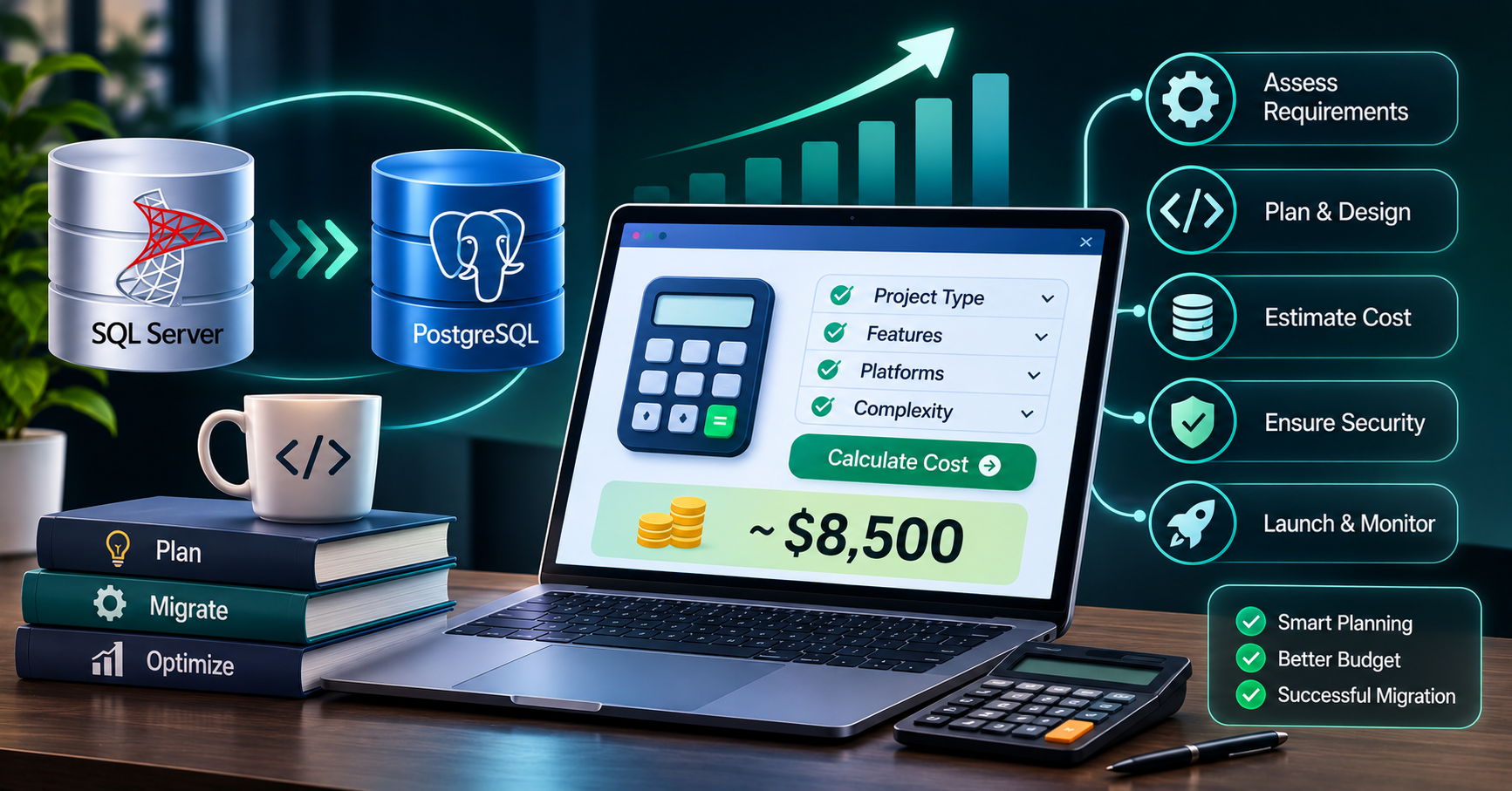
9. Understand Migration Costs and Timelines
Migration cost depends on complexity, not just database size.
A relatively simple database with standard tables and limited stored procedures may require less effort than a smaller database containing extensive business logic and third-party dependencies.
Budget for:
- Discovery and compatibility assessment
- Schema and code conversion
- Data transfer and infrastructure
- Application development and testing
- Performance tuning and security reviews
- Cutover planning and rollback preparation
- Training, documentation, and ongoing support
Create a proof of concept for a representative part of the database before estimating the entire project. This helps uncover hidden dependencies and gives stakeholders a more realistic understanding of the required work.
Common SQL Server to PostgreSQL Migration Mistakes
Avoid these mistakes to reduce the risk of production problems:
- Treating conversion as a simple data export: Schema conversion, application logic, and operational procedures also need attention.
- Ignoring collation differences: Case-sensitive comparisons and sorting behavior can change.
- Skipping stored procedure testing: Converted procedures may return different results or behave differently under errors.
- Overlooking identity and sequence values: Confirm that new records receive valid identifiers after migration.
- Testing only with small datasets: Performance issues may appear only under realistic workloads.
- Failing to plan downtime: Large data transfers and final synchronization can take longer than expected.
- Going live without rollback procedures: Define clear recovery steps before switching production traffic.
SQL Server to PostgreSQL Migration Checklist
Before approving the migration, confirm that:
- Source databases and dependencies have been inventoried.
- Schema and code conversion issues have been reviewed.
- Data types, constraints, and relationships have been validated.
- Application queries and integrations have been tested.
- Performance benchmarks meet business requirements.
- Security permissions and backups are configured.
- Data synchronization and cutover procedures have been rehearsed.
- Rollback and recovery plans have been tested.
- Business stakeholders have approved production readiness.
Frequently Asked Questions
1. Is PostgreSQL a good alternative to SQL Server?
PostgreSQL can be a strong alternative for many transactional and data-driven applications. However, suitability depends on your existing SQL Server features, application dependencies, performance requirements, and support needs.
2. Can SQL Server data be migrated to PostgreSQL automatically?
Migration tools can automate significant portions of schema conversion and data transfer. SQL Server-specific procedures, functions, and application logic may still require manual changes and testing.
3. How long does a SQL Server to PostgreSQL migration take?
The timeline depends on database size, code complexity, data quality, integrations, and downtime requirements. A proof of concept and compatibility assessment provide a more reliable estimate than database size alone.
4. Can we migrate without significant downtime?
Low-downtime migration may be possible with an initial data load followed by supported change data capture and a planned cutover. The achievable downtime depends on the selected tools, source configuration, workload, and validation requirements.
5. What is the biggest risk during migration?
A major risk is changing application behavior without realizing it. Differences in SQL syntax, data types, collation, transactions, and stored procedure logic can produce incorrect results even when the data transfer appears successful.
Work with eSparks IT Solution
Migrating from SQL Server to PostgreSQL requires database expertise, application-level understanding, and a clear plan for minimizing business disruption.
eSparks IT Solution can help businesses plan database modernization, assess application dependencies, implement software changes, and validate systems as part of a migration project.
Explore our software development services, review our project portfolio, or book a free call to discuss your requirements.
The right migration strategy should be based on your existing architecture, compatibility risks, performance goals, and business continuity needs—not just the choice of database engine.
Conclusion
SQL Server to PostgreSQL migration can support greater flexibility and long-term database modernization.
Start with a thorough assessment of your database, application dependencies, and business requirements.
Convert schemas and code carefully, then validate data integrity and application behavior.
Test performance, security, backups, and rollback procedures before production cutover.
A structured migration plan helps your business move to PostgreSQL with greater confidence and fewer unexpected disruptions.
Comments
Join the discussionNo comments yet. Be the first to comment.